Technology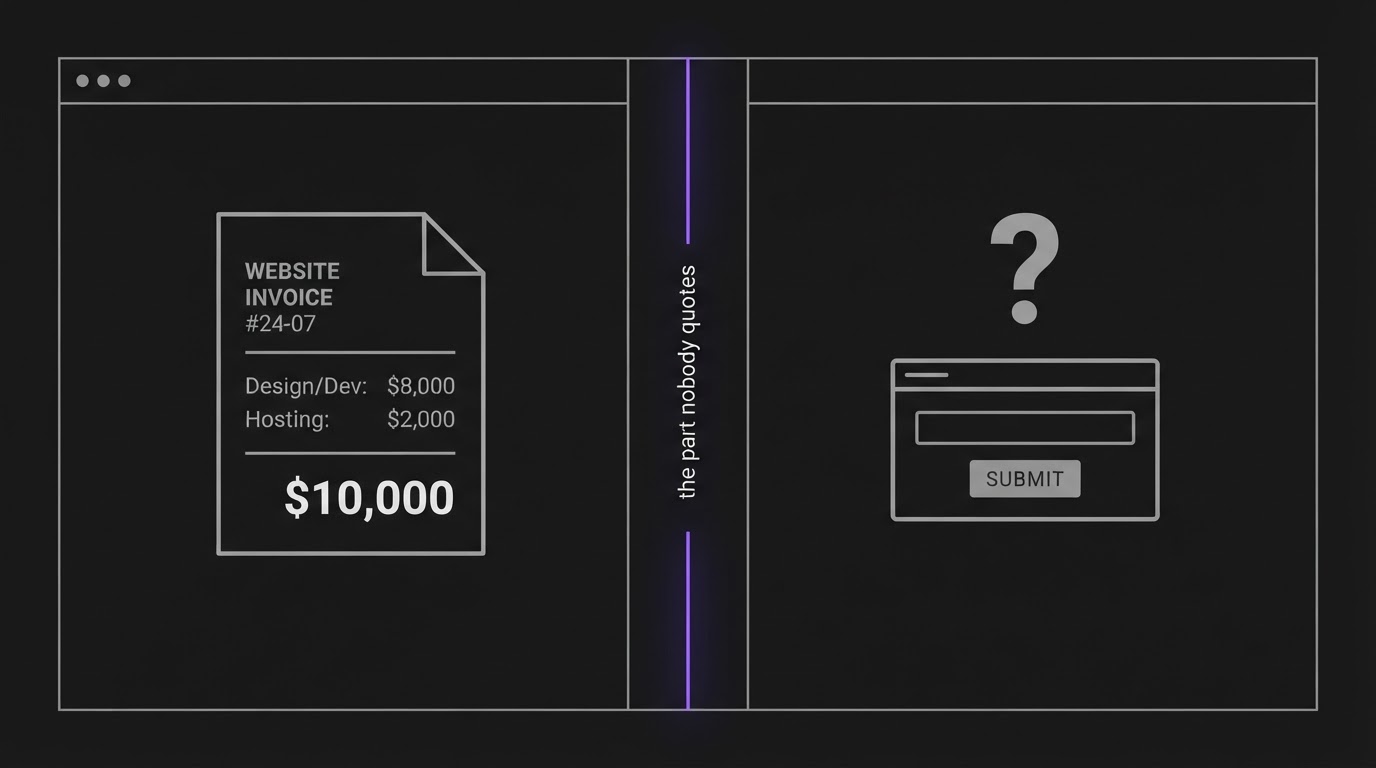
What a Small Business Website Really Costs in 2026
Three business owners in the same city, in the same industry, got quotes last month for what all three vendors described as the same website: a five page site with a booking form. The numbers came back at $800, $6,500, and $28,000. The owners compared notes in a local business group and mostly argued about which one was the rip-off. Wrong question. The build price is the smallest number in this decision, and none of those three quotes mentioned the one that actually decides whether the site makes money.
We build both halves of this for clients: the website, and the system a lead falls into after they hit submit. So we get some version of "how much should this actually cost" most weeks. Here is the honest breakdown: what a build costs by path, the line item almost every quote skips, and the rule we actually use to tell a client what to budget.
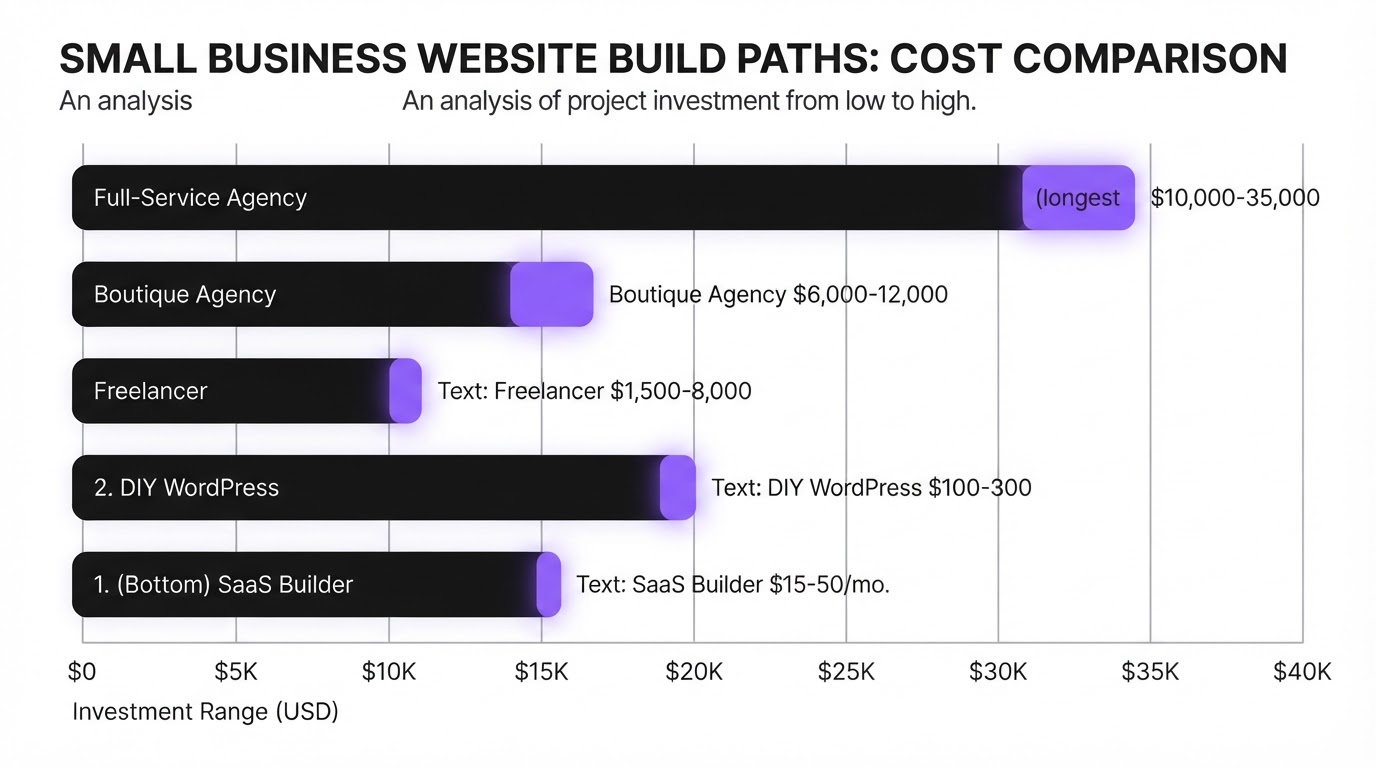
Strip out the sales language and a small business website comes down to five build paths, and the price mostly tracks who does the labor. Whether you end up with a site built for growth or a static brochure, the build itself falls into one of these tiers.
| Build path | Typical cost | What you're paying for |
|---|---|---|
| DIY SaaS builder (Wix, Squarespace, GoDaddy) | $15 to $50 a month | Templates and hosting, builder does the technical work |
| Self-hosted WordPress, DIY | $100 to $300 upfront, $10 to $50 a month after | Full control, you or staff run it |
| Freelancer | $1,500 to $8,000 per project | Custom design without agency overhead |
| Boutique or small agency | $6,000 to $12,000 | Strategy, copywriting, a build tuned to the business |
| Full-service agency | $10,000 to $35,000+ | Bigger scope: multi-location sites, complex integrations, retainers |
Every one of those five build paths gets you a website that can display a contact form. None of them, on their own, gets you a system that knows what to do once someone fills it in.
That is a separate build, priced separately, because it is different work: a CRM to hold the lead, a workflow that tags it by service and notifies someone, and a reply that goes out before the visitor closes the tab and calls the next name on their list. We build this piece on GoHighLevel for most clients. A starter plan currently runs $97 a month, with the higher tier used for multi-location or agency style accounts at $297, tracked against GoHighLevel's plan structure as of June 2026. Other stacks land in similar territory once setup time is priced in.
The setup itself, the tagging logic, the reply sequence, is the line item almost every website quote leaves out. It is the automation layer that turns a form into a working lead system. A $6,000 agency build and a $300 DIY site can both go live with zero automation behind the form. The form works fine. Nothing is listening on the other end.
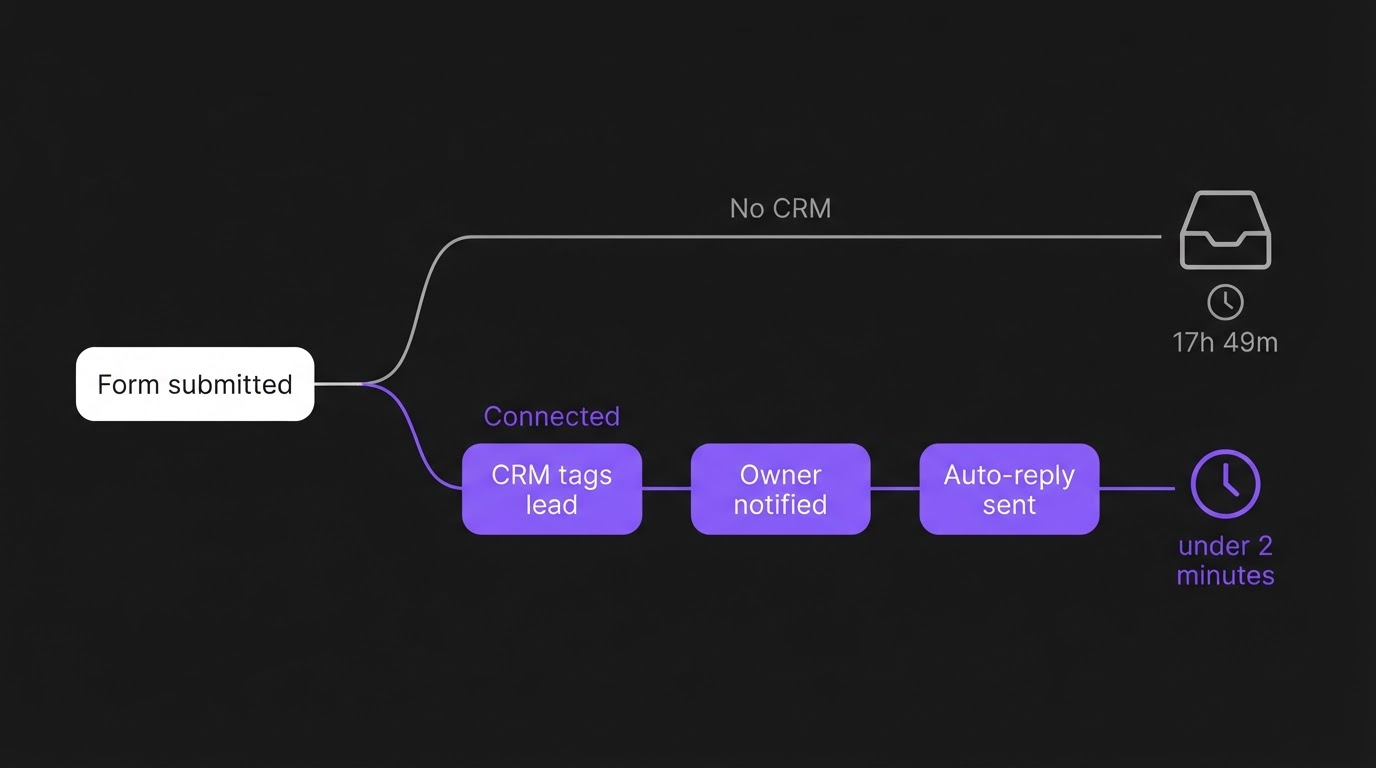
Leadferno tracked 225 small business contact forms across home services, professional services, and medical practices, all ranking in the top 10 locally with real review histories, for three weeks after each submission. Published in 2024 and still the most detailed independent study we found on this specific question. The result: 42.6 percent of leads never got a single reply. Businesses that did respond took an average of 17 hours and 49 minutes to send the first one, and only 3.1 percent replied inside five minutes. Of the leads who heard back at all, 65.9 percent got exactly one message and no follow-up after that.
Read the study closely and notice what it does not measure: whether the form was connected to anything. It tracks channels and response times, not systems. That gap is the whole argument of this article. The industry's own research measures the symptom, a business not answering fast enough, and misses the mechanism: most of these forms feed a plain inbox with nothing built to catch what lands there.
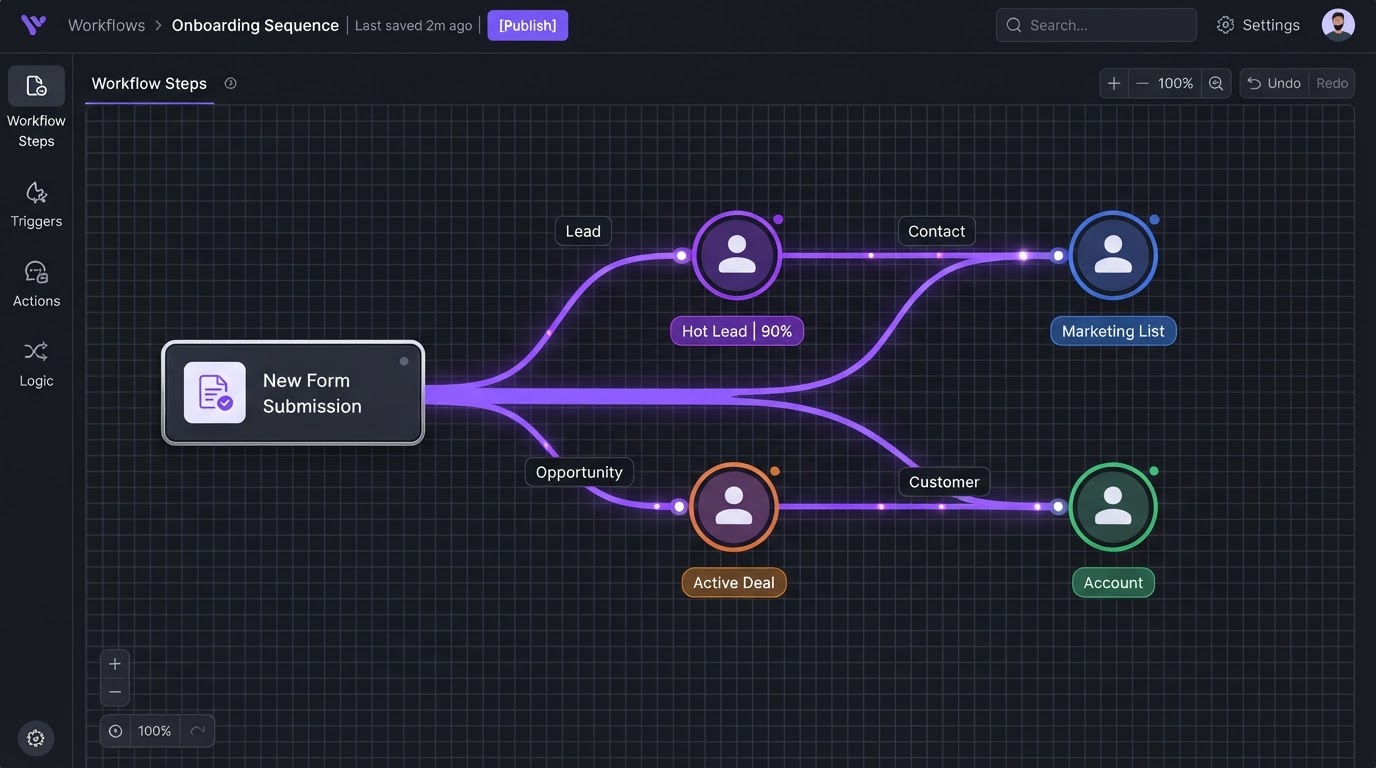
We wrote about the fix for one version of this in how we route form leads automatically in GoHighLevel: tag the lead by service on arrival, assign an owner, get a reply out in under two minutes without anyone touching a keyboard. That workflow is the thing a website budget needs to include and almost never does.
Here is the rule we use with clients: if the site is meant to generate leads rather than just exist, budget the connection layer as its own line item from day one, priced separately from the build, not as a fix for later.
In practice that means two numbers instead of one: the build cost from the table above, plus roughly $100 to $300 a month for a CRM plan and the setup time to wire the form into it, tagging, notification, an automated first reply. For a service business running one or two people on follow-up, that second number usually pays for itself inside the first few recovered leads, the ones that would otherwise sit in an inbox for 17 hours. Keeping that CRM usable over time is its own discipline, which is why keeping a CRM usable is a service we run as an ongoing retainer rather than a one-time setup.
If your site is already live and this half was never built, you do not need a new website. You need the second half of the budget you skipped the first time, wired into the site you already have.
We are not going to pretend every business needs this. A single-location shop where the owner checks one inbox every morning, gets three inquiries a week, and closes most of them on a phone call does not need a CRM workflow between the form and the reply. The owner is the workflow.
The connection layer earns its cost at volume: when leads arrive faster than one person can track by memory, when more than one person touches follow-up, or when a missed reply has a real cost attached, a lead who books with whoever answers first. Below that line, a $300 DIY site and a personal phone number is not underinvesting. It is matching the system to the business.
If the site mainly informs people, no. If it exists to generate leads and more than one person could plausibly respond to them, yes. A CRM turns someone filled out a form into someone specific owns this lead and knows when to follow up, which a plain inbox cannot do by itself.
Expect $300 to $12,000 for the build itself, depending on the path you choose, plus $100 to $300 a month if you want the site connected to a CRM that tags, assigns, and replies to leads automatically without anyone touching a keyboard. Most quotes only cover the first number, not the second.
For a low-volume, owner-managed business, yes, a $15 to $50 a month builder is a reasonable choice. For a business that depends on the site for a steady flow of new leads, the builder is fine. The missing piece is usually what happens after someone submits the form, not the platform.
Independent 2026 breakdowns put ongoing maintenance, hosting, security, and plugin costs at roughly $50 to $200 a month for a typical small business site, before adding SEO, paid ads, or a CRM plan on top. Budget it as a recurring line item, not a one-time expense you pay once and forget.
If you are scoping a new build or trying to work out why an existing site is not converting, we will look at both halves of the budget with you: the site itself and what happens the moment someone fills out the form. That build-plus-connect argument is what we mean by a connected growth system, and it is the difference between a site that exists and one that earns its keep. Book a strategy call and we will tell you honestly which half is actually missing.
GOOGLE PREFERRED SOURCES
Add BDGS Digital as a Preferred Source in Google and make our latest SEO, CRM, automation, advertising, AI, and marketing technology insights easier to discover.
Add BDGS Digital
Written by
Benison David Sanchez is the CEO and AI Digital Marketing Strategist of BDGS Digital, a technology, CRM, automation, and growth company based in the Philippines and serving clients globally. He leads digital marketing and client acquisition for the company, and over five years has worked with more than 100 businesses across ecommerce, service, coaching, accounting, and technology, building connected growth systems where every campaign ties back to a larger system rather than running in isolation. He has priced out this exact build versus connect tradeoff for clients on four continents and still gets asked the same question most weeks.
View all articles by BenisonWant help building this?
BDGS Digital builds connected growth systems across CRM, automation, marketing, and technology. Explore our services or book a strategy call.
Book a Strategy CallLET'S TALK
Book a strategy call and we'll map how your CRM, automation, marketing, and technology can work together as one connected system.