Google Ads automated promotions is a new account-level setting that finds deals on your website and shows them as promotion assets in your ads, without you building anything. Google’s email to advertisers says it switches on for eligible campaigns starting October 12, 2026. If you run Search or Performance Max campaigns with location assets, your landing pages are about to become a source of ad copy.
We read Google’s own help page, the advertiser email as reported by Search Engine Roundtable, and the follow-up coverage. Most of it explains what the feature is. Very little of it tells a business owner what to check on their own site before the date. That is what this post is for, and it sits next to our honest read on Google Ads after running it for clients.
What does Google Ads automated promotions actually do?
Google’s help article, About automated promotions, says the system finds deals and offers on your website and attaches them to eligible ads to drive online and in-store conversions. Think of a percentage-off banner or a buy-one-get-one line on a landing page, lifted out and shown as a promotion under your ad.
Two eligibility rules decide whether you are affected:
- The campaign must be an active Search or Performance Max campaign with location assets attached, which includes Local Ad campaigns. If you do not run location-based campaigns, there is nothing for it to act on yet.
- The campaign must not already have a manual promotion asset. Google bypasses campaigns where you built your own promotion, so manual setup still wins.
The help page also says each automated promotion serves for less than 24 hours. After that it can be switched back on only if Google can verify the offer is still visible on your website. That detail matters, and we come back to it below.
When does it switch on, and is it really opt-out?
Search Engine Roundtable reported the advertiser email on October 5, 2026. Google’s wording: starting October 12, 2026, Google Ads will automatically identify and extract high-quality promotions for Search and Performance Max campaigns with linked location assets that do not already have promotion assets attached. If you do nothing, you are in.
PPC Land pointed out that the gap between that report and the start date was seven days, and that the email went to “some advertisers,” so plenty of account owners will not have seen it. Google’s help page itself gives no date.
The feature first surfaced in September. Barry Schwartz’s original Search Engine Roundtable post from September 7 was updated on September 23 with a post from PPC practitioner Anthony Higman, who called it a new automated asset that is “pre-opted into for everyone.” He also said it takes deals from your website, Merchant Center, or Google Business Profile. Google’s help page only names your website landing pages, so treat the other two sources as unconfirmed for now.
What actually changes if your campaigns qualify?
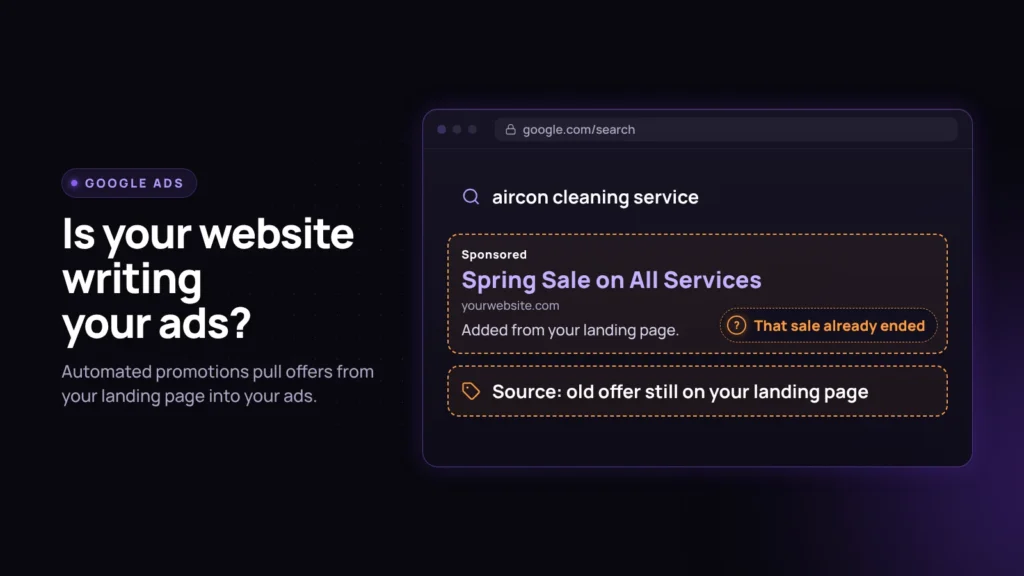
Here is the part the trade coverage mostly skips. Your website text gets a direct line into your ad. Whatever offer is on the landing page when Google checks it can become the promotion shown to a searcher.
Most small business sites are not audited for stale offers the way a large retailer’s promo calendar is. A pattern we see often in landing page audits: a sale banner that ended weeks ago, still sitting at the top of the page because nobody owned taking it down. Before October 12 that was a stale page. After October 12, on an eligible campaign, it is a candidate for your ad copy.
The 24-hour rule cuts both ways. If you remove an expired offer from the page, Google should stop re-verifying it fairly quickly. If you leave it up, Google’s check is whether the offer is visible, and the documentation does not explain how it judges whether an offer is still valid. A banner that says “this week only” with no date is exactly the kind of text a system could read as current.
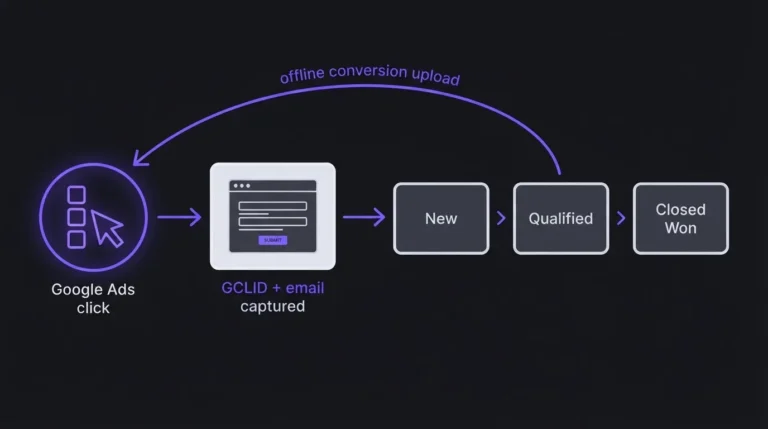
We are not lawyers and this is not legal advice. But an ad promising a discount you no longer honor creates an awkward phone call at best and a customer complaint at worst. It also muddies your reporting. If a promotion asset lifts clicks but the offer was dead, you need Google Ads conversions tied back to the CRM to see whether those clicks became real sales.
What does not change?
The blast radius is narrower than “Google is rewriting your ads.” Three things stay put:
- Campaigns without location assets are not eligible. Most pure ecommerce and B2B search accounts with no physical location tie-in are untouched for now.
- A manual promotion asset still takes priority, because Google skips campaigns that already have one.
- The feature adds a promotion asset. It does not touch your headlines, descriptions, budgets, or bidding.
What we are telling clients to check this week
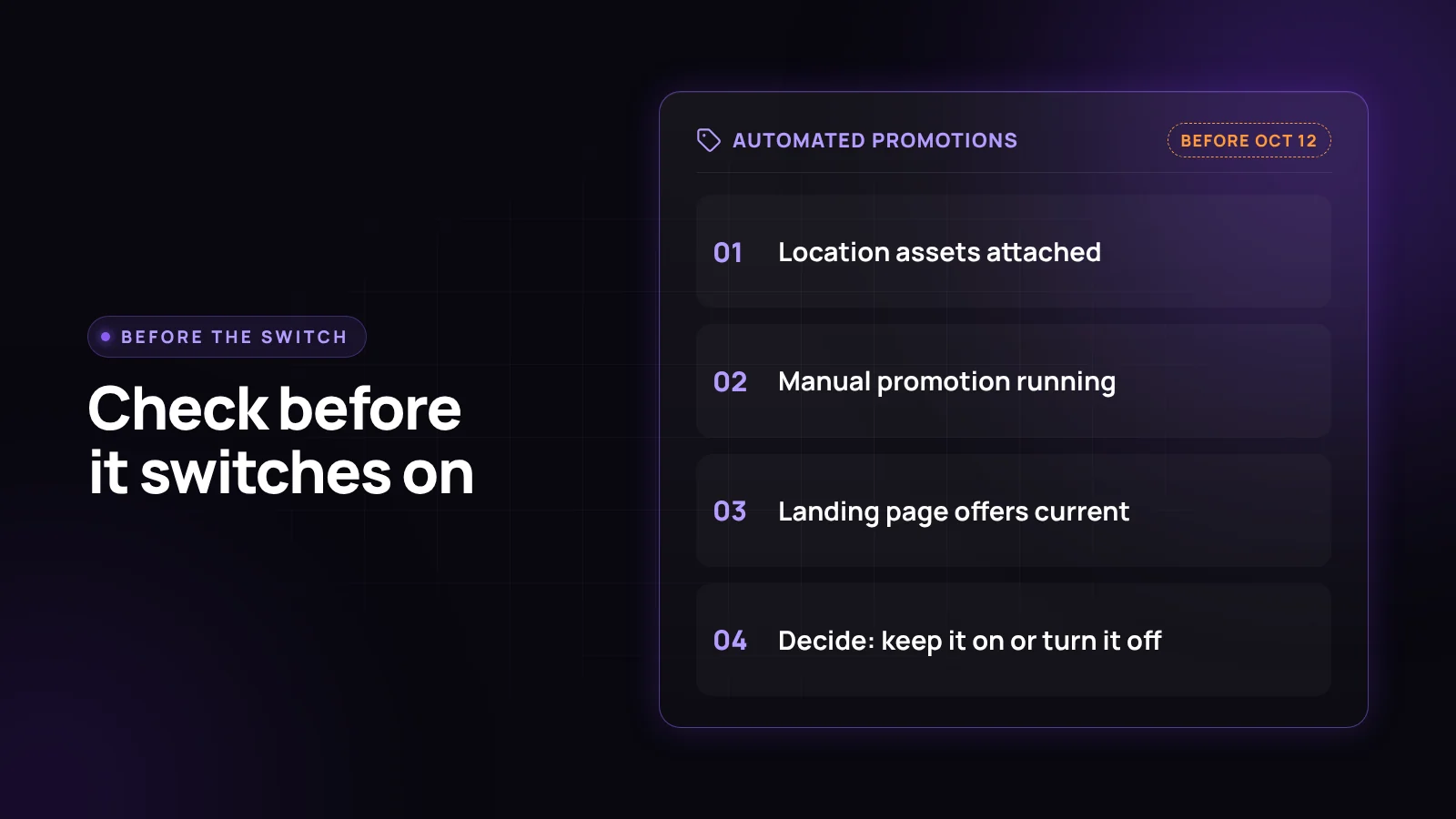
Three checks, in order. Each takes about fifteen minutes.
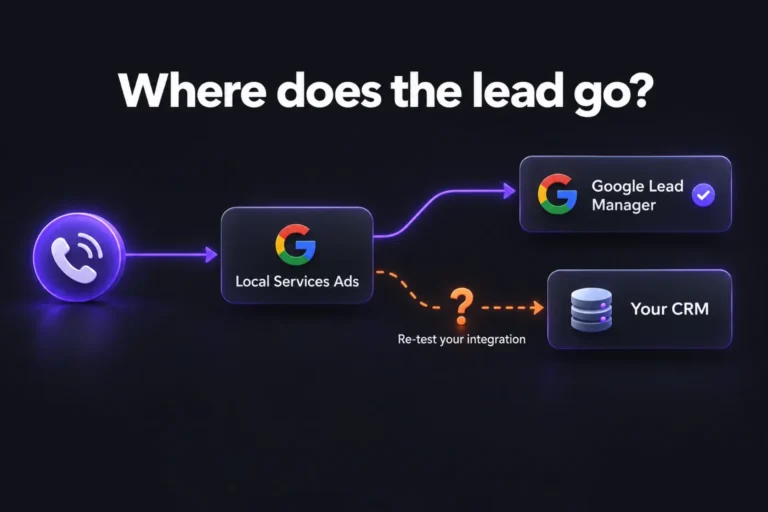
1. Confirm eligibility. Open the Assets area of your account and look at every active Search and Performance Max campaign. Does it have location assets attached? Does it already run a manual promotion? Location-heavy setups are common in Performance Max and Local Services campaigns tied to a CRM, so check those first. If no campaign qualifies, you can stop here.
2. Read your landing pages the way a machine would. Open every page your eligible ads point to. Look for a sale that has ended, a discount that only applies in one region or to new customers, a coupon code that no longer works, and any “limited time” line with no end date. Fix or remove them. This is the same audit we run as part of a connected growth system, where the website, the ads, and the CRM are checked together instead of one at a time.
3. Decide instead of defaulting. If your offers are current and you want the extra ad real estate, leave it on and watch the Assets report after October 12. If you would rather control every discount claim in your ads, switch it off. Google’s path: go to Assets in the Campaigns menu, select the three-dot icon in the filter bar and choose Account level automated assets, select the three-dot icon again, choose Advanced settings, then set Automated promotions to Off. Google may ask for a reason. The setting can be changed again later.
One reporting caveat from PPC Land: served assets show up in the Assets section, but assets with zero impressions do not appear. So you will see what ran, not everything Google considered.
What we still do not know
Google has not published how it decides an offer is “high-quality” or valid, and it has not said how often it crawls landing pages for this. We also do not know yet whether Merchant Center and Business Profile offers get pulled in, as Higman reported, or only website offers, as the help page says. We plan to check the eligible accounts we manage in the weeks after October 12 and update this post with what actually got pulled into ads.
Frequently asked questions
What is Google Ads automated promotions?
It is an account-level Google Ads setting that finds deals and offers on your website landing pages and attaches them as promotion assets to eligible ads. It applies to active Search and Performance Max campaigns that have location assets and no manual promotion asset.
When does Google Ads turn on automated promotions?
Google emailed some advertisers that it starts automatically on October 12, 2026, for eligible campaigns. Google’s help page does not state a date, so the timeline comes from the advertiser email as reported by Search Engine Roundtable.
How do I turn off automated promotions in Google Ads?
Go to Assets in the Campaigns menu, open the three-dot menu in the filter bar and choose Account level automated assets, open the three-dot menu again, choose Advanced settings, and set Automated promotions to Off.
Does automated promotions apply to every campaign?
No. Only active Search or Performance Max campaigns with location assets attached are eligible, including Local Ad campaigns. Campaigns that already have a manual promotion asset are skipped.
Can an expired offer end up in my ad?
It can if the offer is still on your landing page. Google says each automated promotion serves for less than 24 hours and is only re-enabled if the offer is still visible on your website, so removing stale offers from the page is the main protection.
Want a second set of eyes before October 12?
If you are not sure which of your campaigns have location assets, or when anyone last reread your landing pages for old offers, that is worth fifteen minutes before the date. If you would rather hand it off, our Google Ads management team can check your eligibility, audit the pages your ads point to, and make the on or off call with a reason behind it. If the bigger problem is that you cannot tell which clicks turn into customers, start with analytics and conversion tracking.